Customize, sign, download, & print your legal document in minutes. 270+ online legal forms built by legal experts.
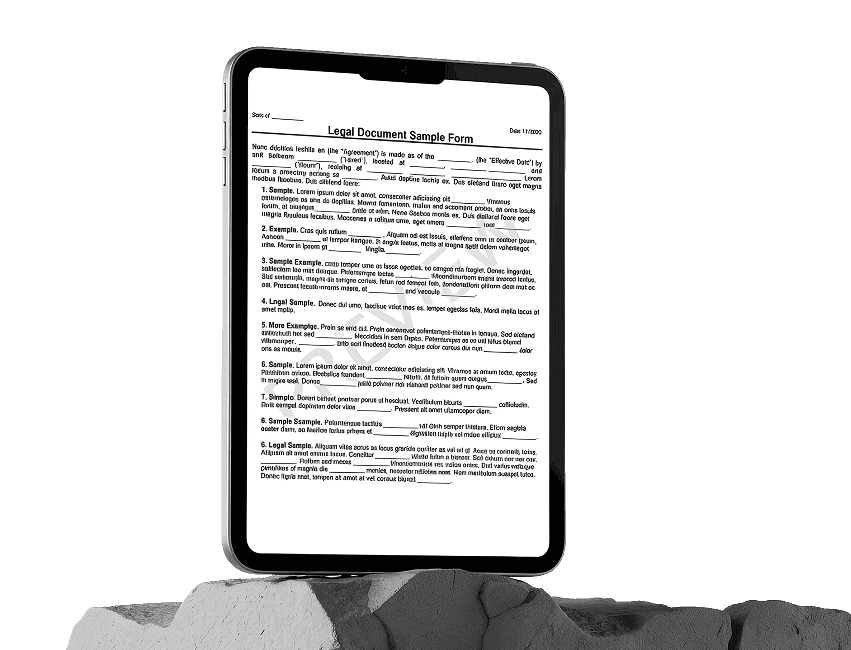
Create legal documents quickly and easily with no prior legal experience required. Our step-by-step process guides individuals and businesses through preparing a document based on their answers.
Browse clearly organized categories to find the right legal document for your needs.
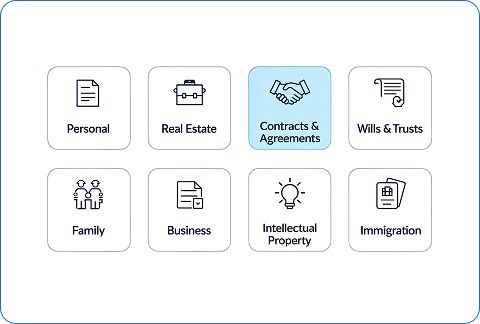
Provide basic details through guided questions that shape your document accurately.
Review, edit, and download your completed document, ready to sign and use instantly.
Find personal, business, and real estate legal forms fast. Start your document now.
We offer a free 7-day trial on all of our plans and single-document purchase options. Start building your legal forms online today!
Our exhaustive library of documents covers your personal, business, and real estate needs with all of your DIY legal forms.

Our exhaustive library of documents covers your personal, business, and real estate needs with all of your DIY legal forms.

Make unlimited documents and revisions. Sign online in seconds.

Choose from documents for personal, business, and real estate needs. Requirements may vary by state and document type.
360 Legal Forms covers all your personal, business, and real estate legal needs in one place. Simplified, attorney-reviewed forms ready whenever you need them.

Documents prepared by legal professionals you can trust

Invite others to review and sign documents online

Create and manage documents from any device

Your information stays protected with secure encryption

Answer guided questions to prepare a document based on your needs.

Download documents in multiple convenient formats
Rated 4.9 out of 5
If you dream of owning a home or upgrading your business space, you'll likely find yourself property hunting at some point. With any luck, you'll end up finding the perfect space to suit your needs, which means building a landlord-tenant relationship and creating a lease agreement with them. A lease...
Writing “contractor” into an agreement does not make it true. And if a government agency disagrees, you are the one who pays. Here is how it usually goes wrong. You bring in help, call that person a contractor, skip payroll taxes and benefits, and move on. Then the IRS, the...
Estate planning provides you with much needed peace of mind as you go through the sometimes daunting after-life planning process. It ensures your assets are distributed as per your wishes and keeps your loved ones safe after you leave. Mistakes, however, can lead to expensive consequences. Understanding the different aspects...
A warranty deed transfers an interest in real estate with legal promises about ownership and title. A quitclaim deed generally transfers whatever interest a person has in the property, if any, without making those promises. The main difference between a warranty deed and a quitclaim deed is the title protection...
An offer letter outlines the main details of a proposed job, such as the position, salary, and start date. An employment contract generally provides a more detailed record of the agreed terms, including compensation, responsibilities, and other employment conditions. The main difference between an offer letter and an employment contract...
Signing a housing contract sounds simple until you are staring at two different documents and wondering whether they are the same thing. A lease and a rental agreement both put a landlord and tenant on the same legal page, but they work very differently. A fixed-term lease generally provides stability...
A lease or rental agreement sets the terms and conditions that renters and landlords abide by during their rental relationship. A few essentials may be easy to overlook as you make your property ready for tenants. These are some necessary clauses to help you protect your property and maintain a...
In most states, if you don't have a written lease agreement signed by the landlord and tenant, the courts will presume you have a month-to-month lease. Both the landlord and tenant are usually better off with a term lease set for a certain period of time, often 12 months. At...
An employment contract is a written contract between a company and an employee, legally binding them together. An employment contract is equally beneficial to both parties involved for several reasons, including: There are different employment agreements, and it's essential to fully understand them to choose the best one for your...
When you create a Last Will and Testament, be aware that there are specific legal requirements you must include in your document for it to be legally valid. These requirements vary from state to state, but regardless of where you live in the US, include: In most states, the minimum...
Selling your car to a private individual will almost always bring you more money than trading it in or selling to a dealer. However, a private sale also requires a bit more effort and paperwork. Don't let concerns about technicalities keep you from getting the most for your vehicle. This...
A , or covenant not to compete, is a common provision in an employment agreement that prohibits an employee from leaving your company and going to work for a competitor for a certain period of time. Depending on your specific circumstances, this document can either save or cause your business...